VVIP Madhuban Bapudham Gallery
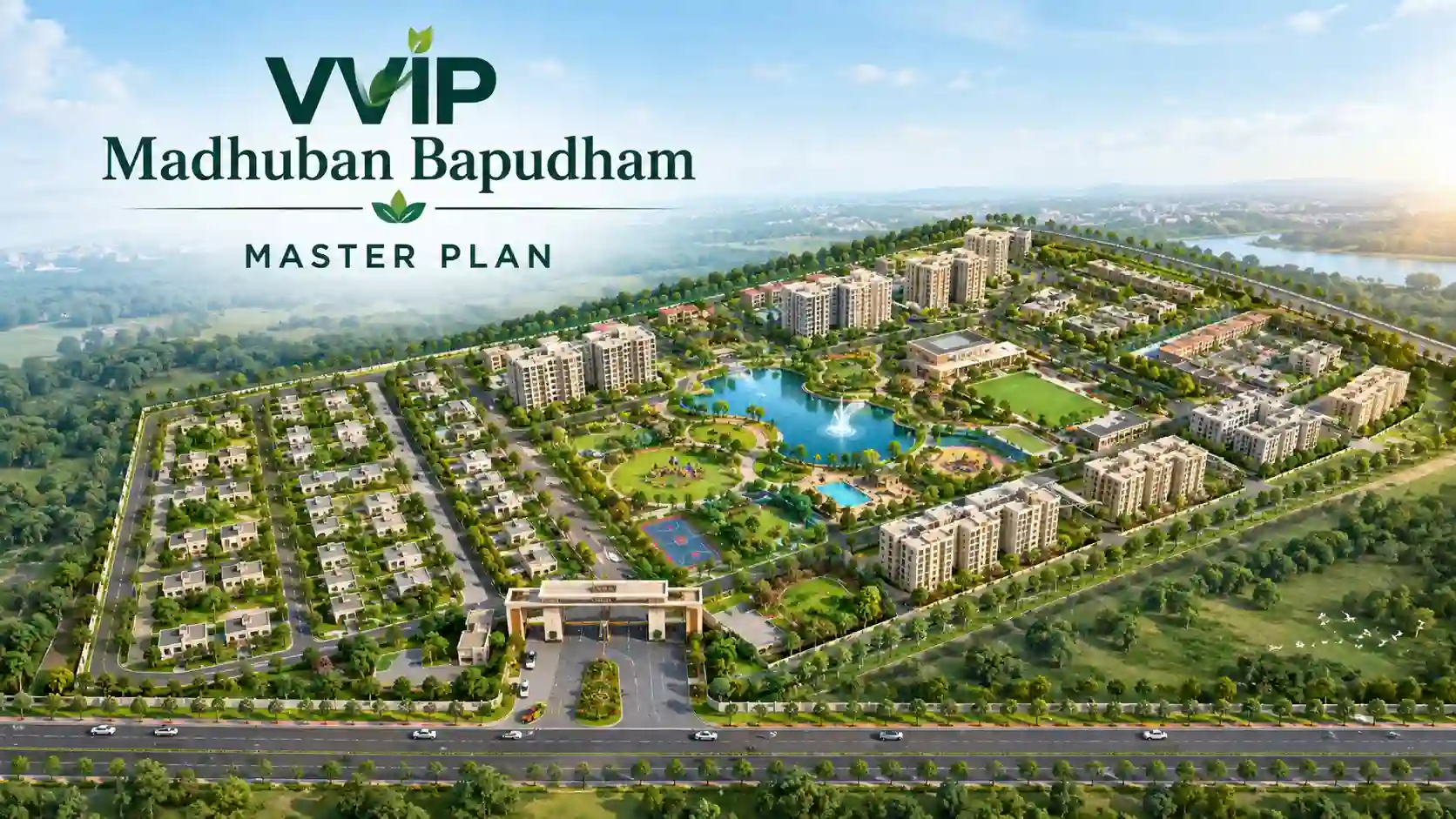
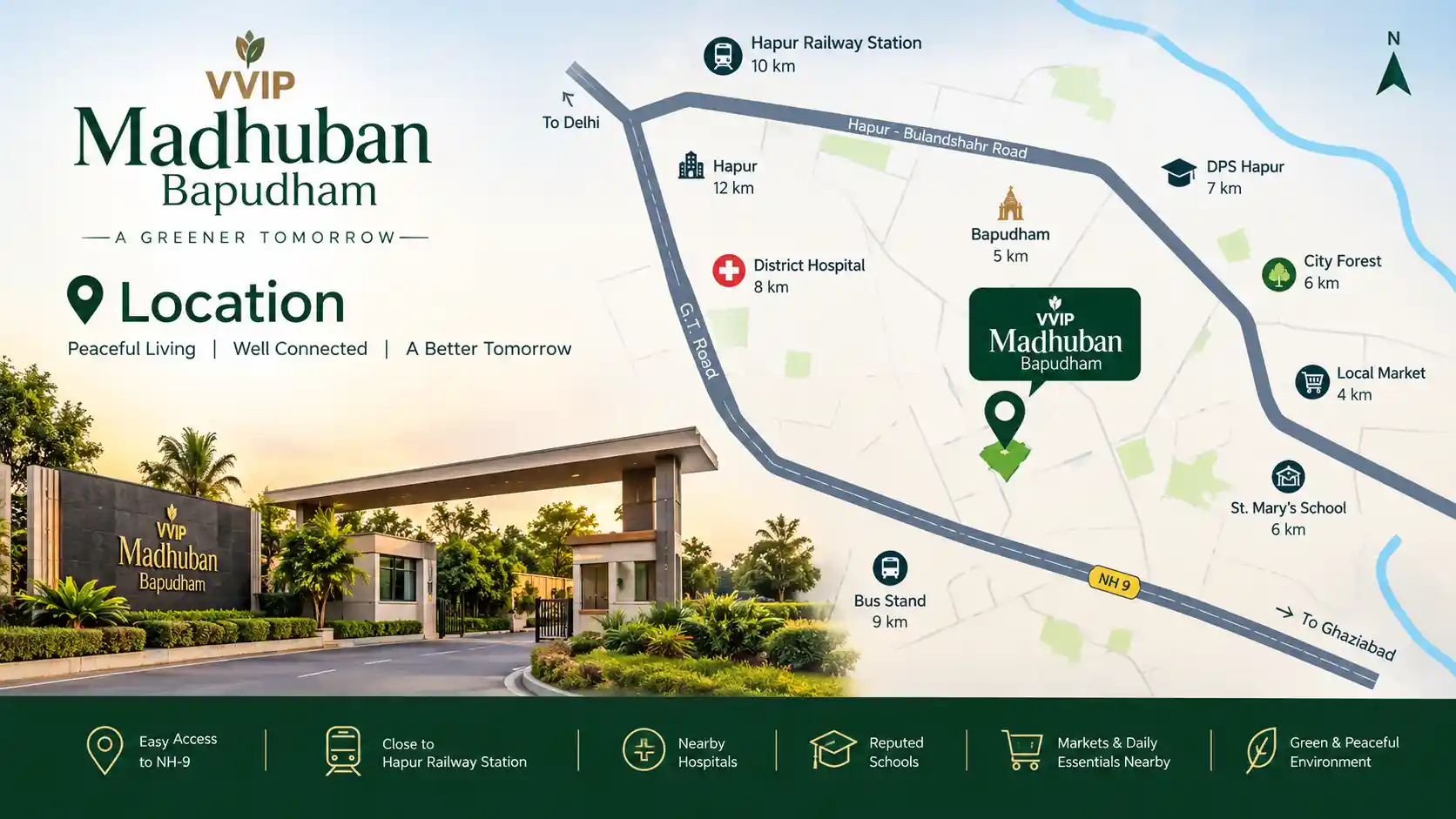
Browse the VVIP Madhuban Bapudham gallery for tower visuals, amenities, entrance, master plan and floor plans. All images are for representation only.
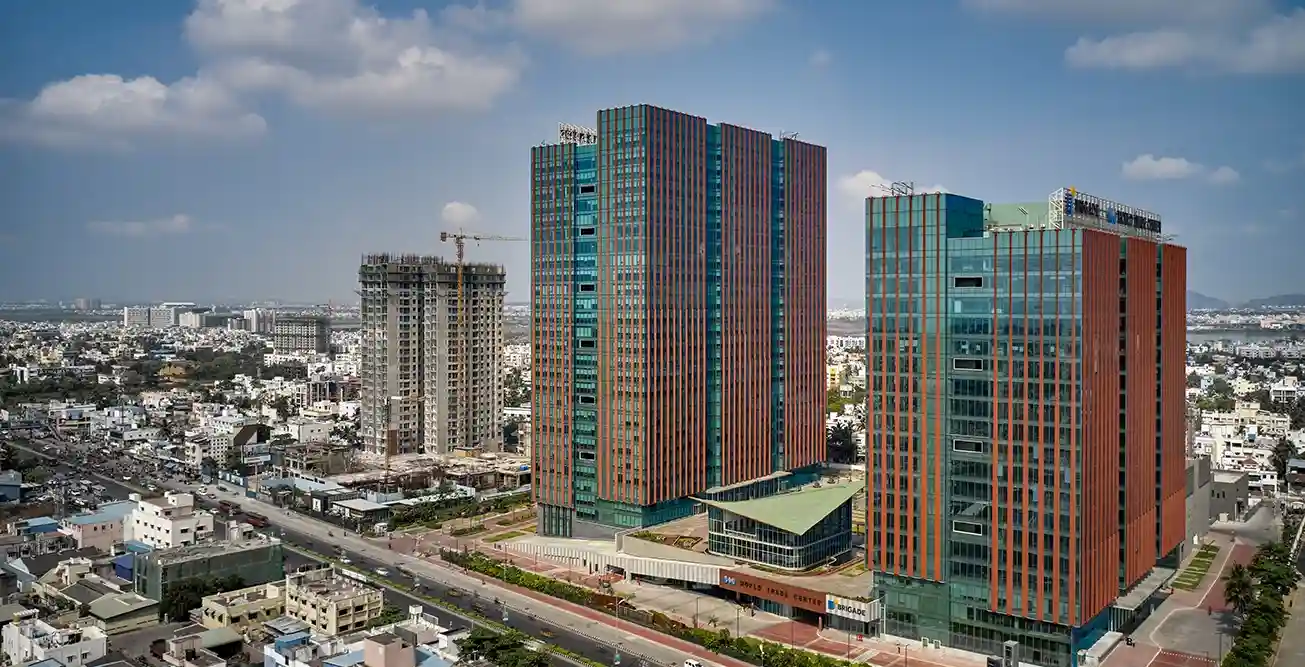
Browse the VVIP Madhuban Bapudham gallery for tower visuals, amenities, entrance, master plan and floor plans. All images are for representation only.
This gallery brings together the visuals available for VVIP Madhuban Bapudham, from tower views and entrance to layouts and master plan.
The project is at pre-launch stage, so most pictures are artist impressions. They show the intent of the design and the lifestyle it aims for. Actual construction, finishes and landscaping may differ, so use these visuals to understand the idea, then confirm details in the brochure and on site.
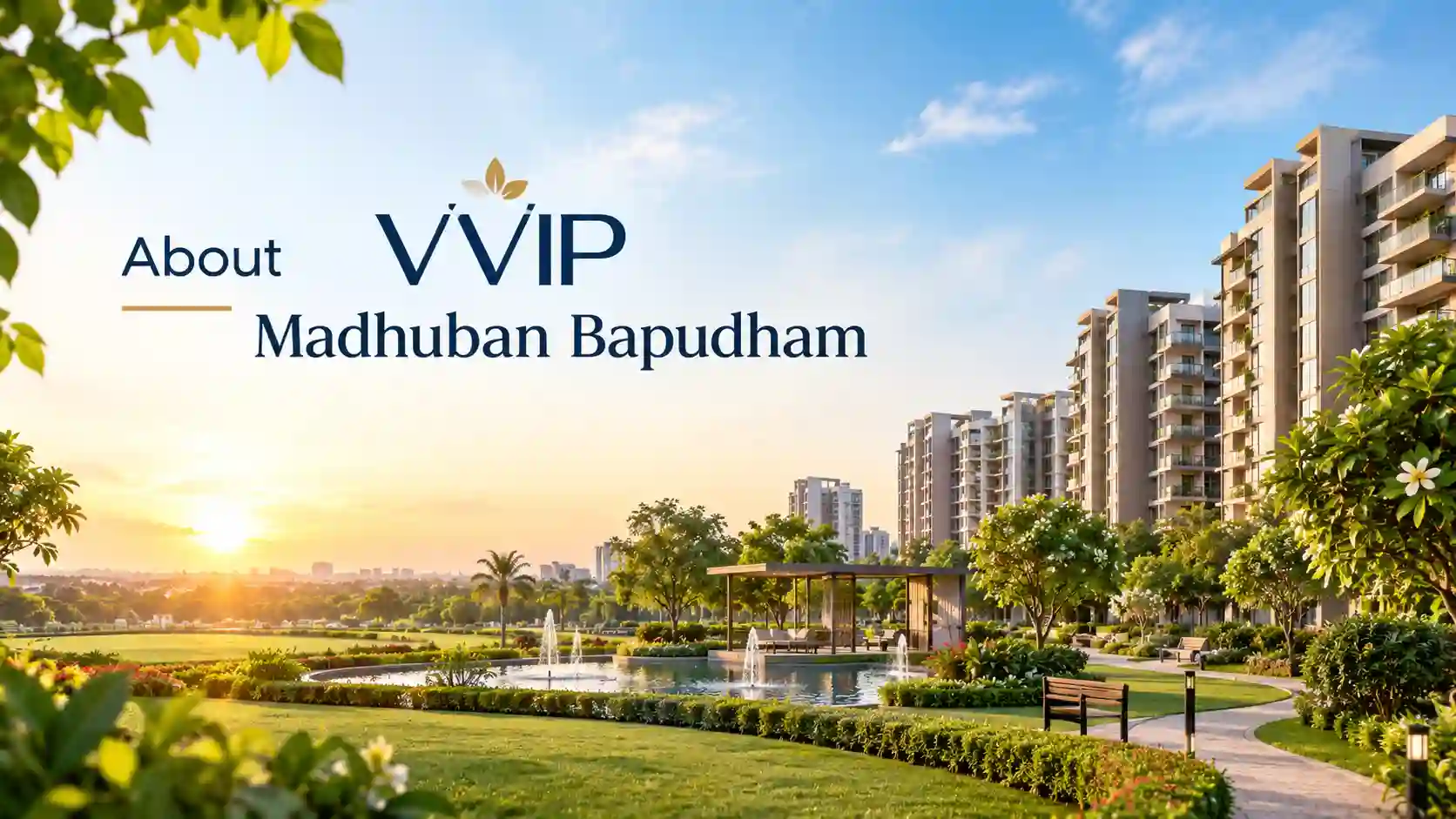
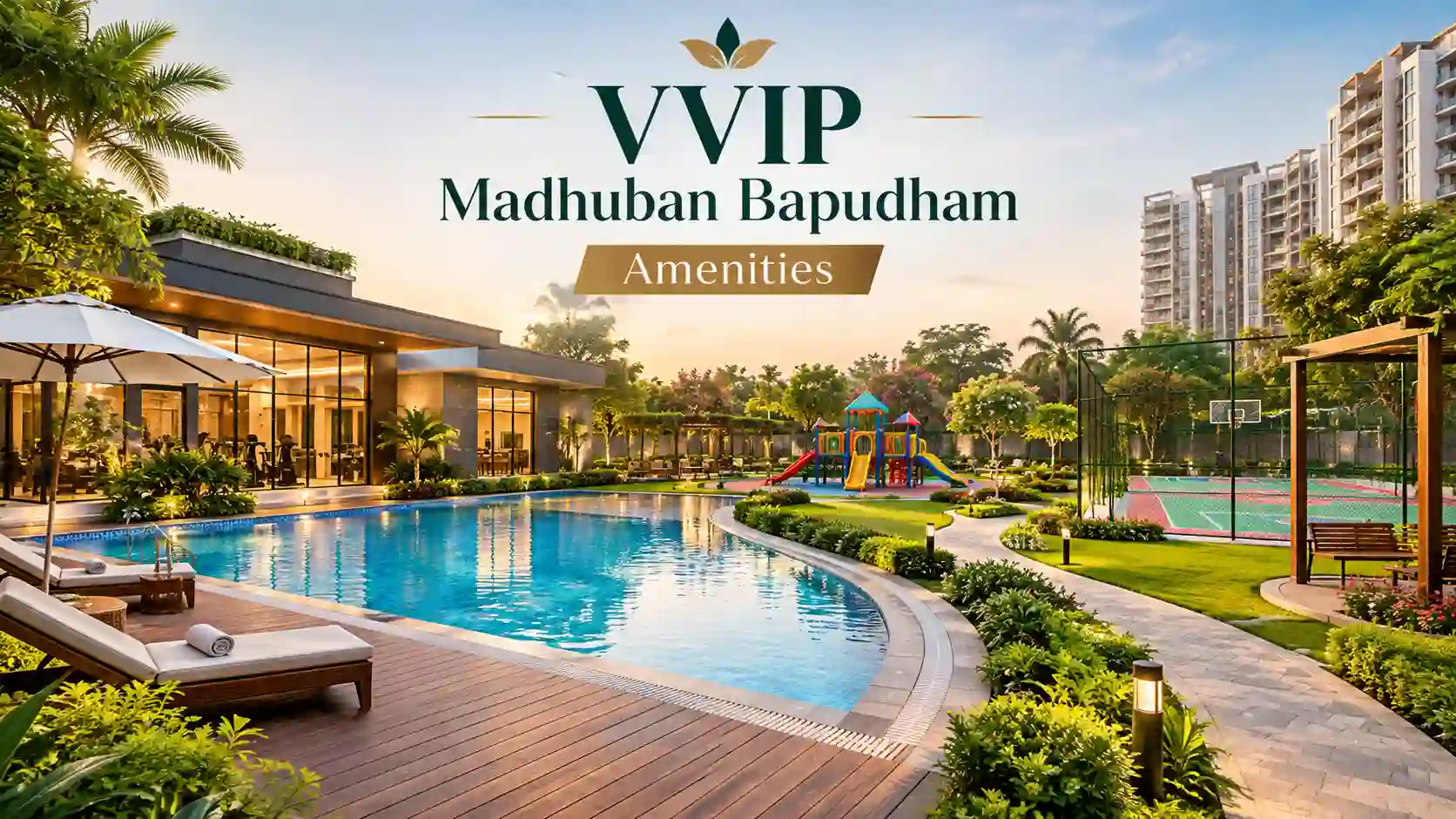
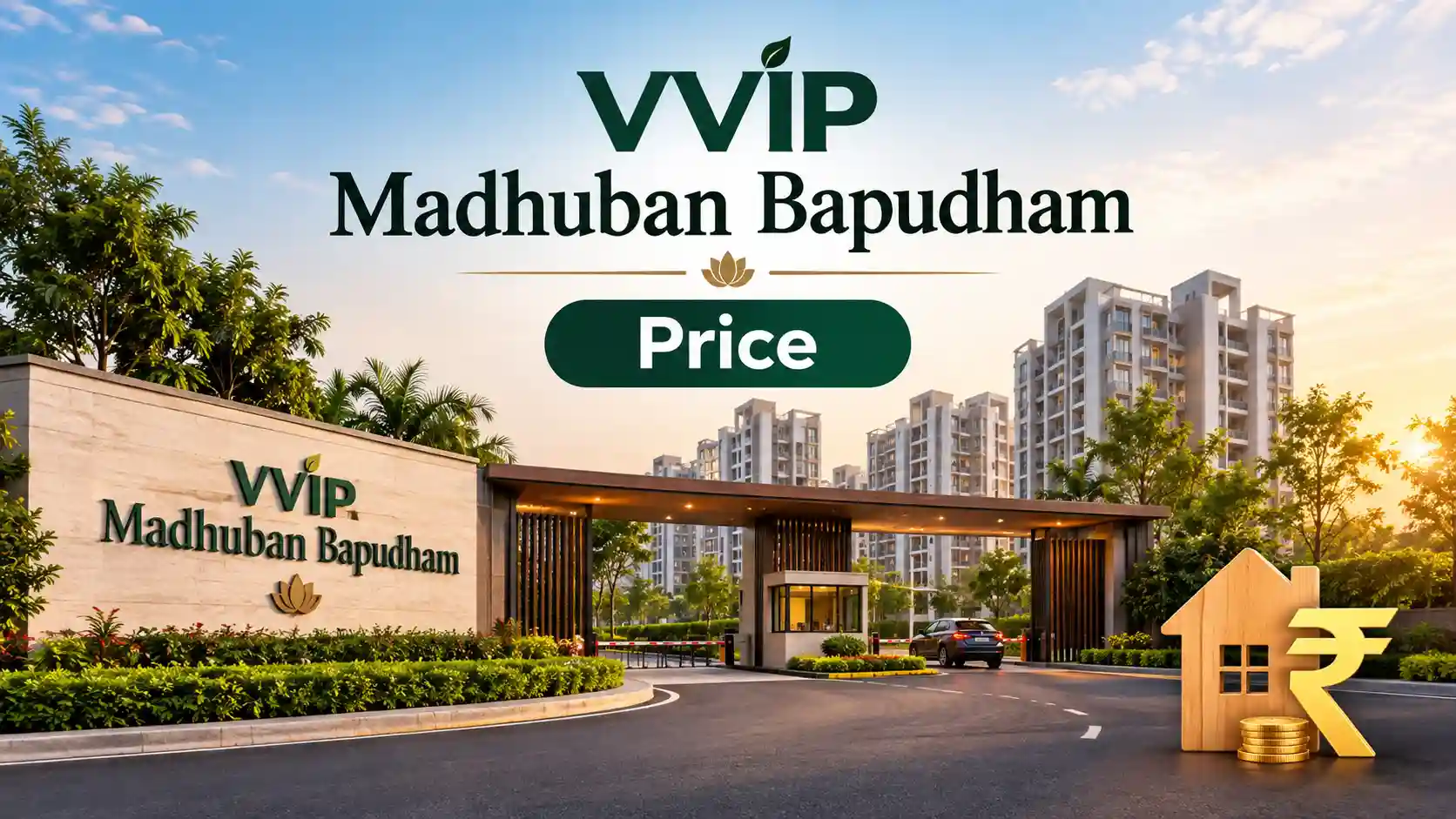
Want the full set of visuals and the brochure?
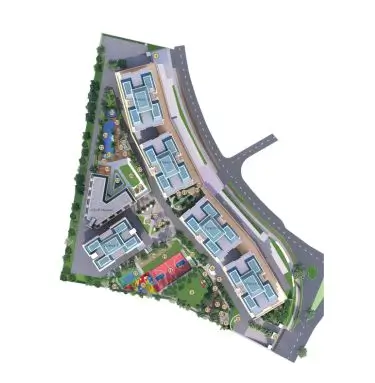
Plans are part of the gallery because they show how the project is arranged and how each home is planned.
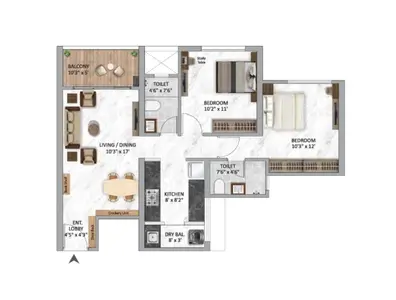
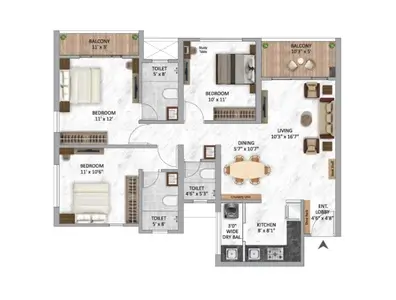
You can read more about each layout on the floor plan page, including how to judge room sizes and flow.
A render is a promise of style, not proof of build quality. It helps to know what each type of image can and cannot answer.
| Visual | It helps you see | It cannot confirm |
|---|---|---|
| Tower and entrance renders | Design style, height and scale | Final facade, colour and materials |
| Landscape visuals | How parks and greens are meant to feel | Tree cover and maintenance after handover |
| Amenity visuals | The type of facilities planned | Actual size, fees and opening dates |
| Floor plans | Room arrangement and flow | Final dimensions and fittings |
| Master plan | Placement of towers and open areas | Phasing and final approved layout |
For the full list of planned facilities behind these visuals, see the amenities page. To see how the greens and towers are placed, read the master plan guide.
The visuals above reflect the information available today. The developer may release more material as the launch approaches, including updated renders, elevations and walkthrough content.
If you want the newest set, share your details and our team will send what is available along with the brochure and price sheet. Please remember that all images are for representation only.
The tower visuals show the scale of up to G+30 floors and the glass and masonry mix planned for the facade.
Park-facing views show how open areas are meant to sit beside the towers.
The pool and clubhouse visual shows the social heart of the project and the planned deck areas.
The gateway visual gives a sense of arrival and the first impression visitors get.
Pay attention to how much green space the visuals show compared with built-up area. This is a quick way to judge how open the project may feel in real life.
Designers use wide angles, perfect light and mature trees to make a project look its best. That is normal, but it can set expectations too high. Treat the visuals as a statement of intent and wait for site progress photos to see what is actually being built.
When the project moves ahead, ask for dated photos from the site and compare them with the original images. Differences in height, finish or open space are worth asking about early.
Looking at these details helps you see the project as it may really be, not only as it is drawn.
The pictures are representative visuals and artist impressions shared at the pre-launch stage. Actual construction, colours and landscaping may look different.
Share your details and our team will call you back to discuss site visit options and any recent progress images available.
A sample flat has not been announced. Ask the sales team whether one will be available and when.
Indicative 2 BHK and 3 BHK plans are shown on the floor plan page. Detailed plans can be requested through the enquiry form.
Yes. Use the download button on this page, fill in your details and our team will share the brochure and latest visuals.
They show planned features. The final list, design and finish will be confirmed by the developer.
Visuals are updated when the developer releases new material. Request the latest set when you speak to the team.
You can use them to understand the style and scale of the project, but compare final specifications and approved plans, not only renders.
Share your details and our team will call you back with the brochure, visuals and site visit options.